

Appearance
Big Number
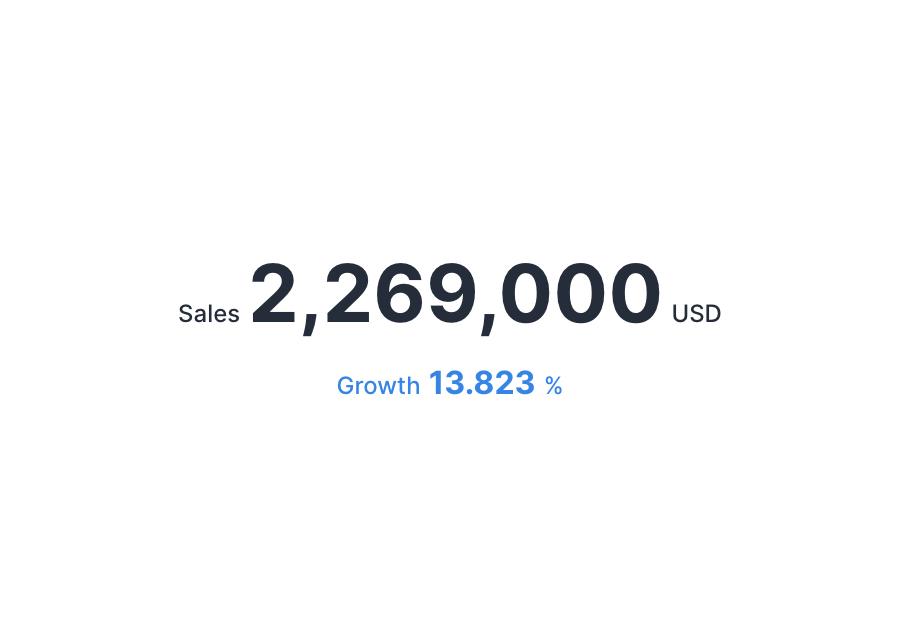
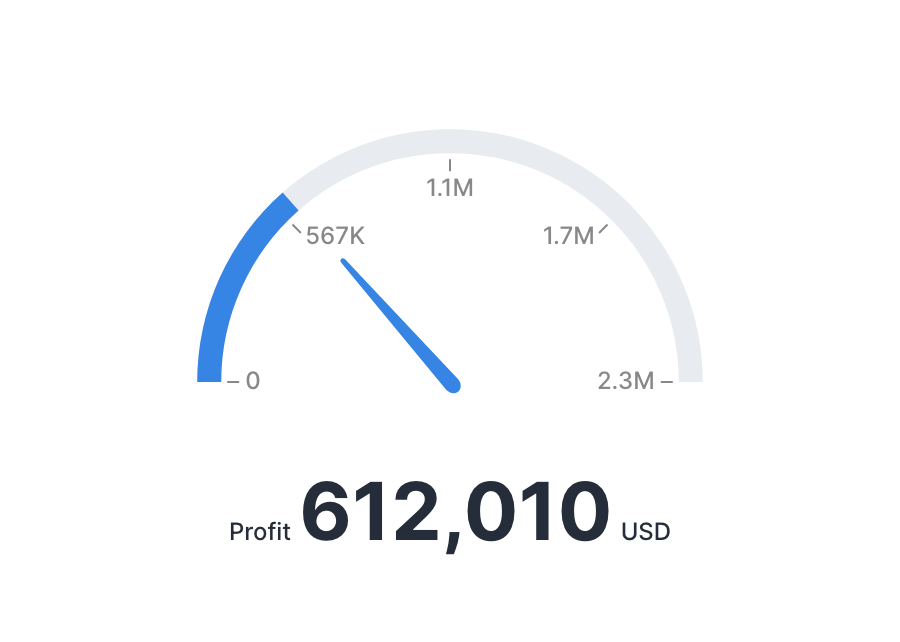
Big Number is a chart that displays a key indicator prominently. It aggregates a metric (required) and a secondary metric (optional) as metrics. In a gauge, the secondary metric becomes the gauge's maximum value.
Drawing types
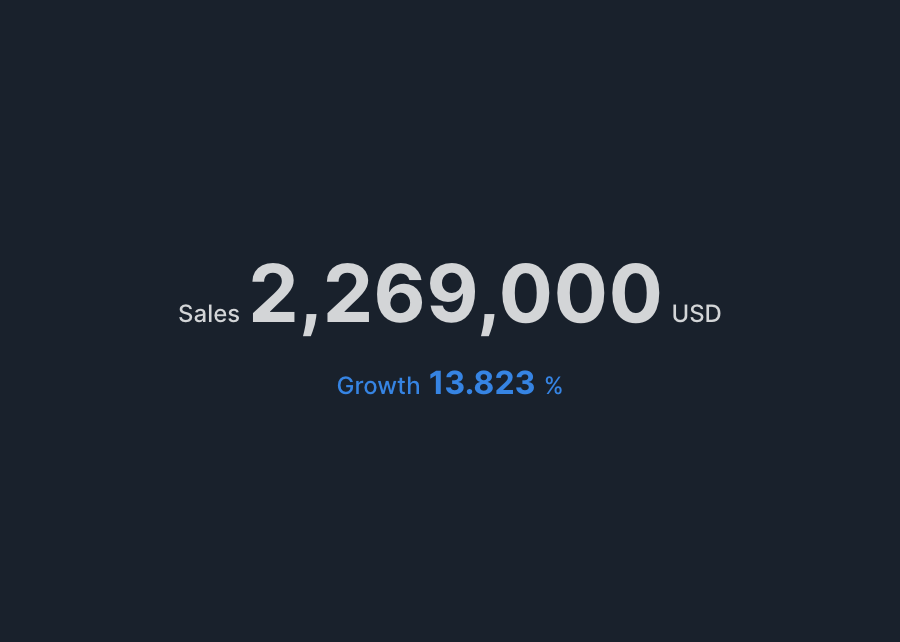
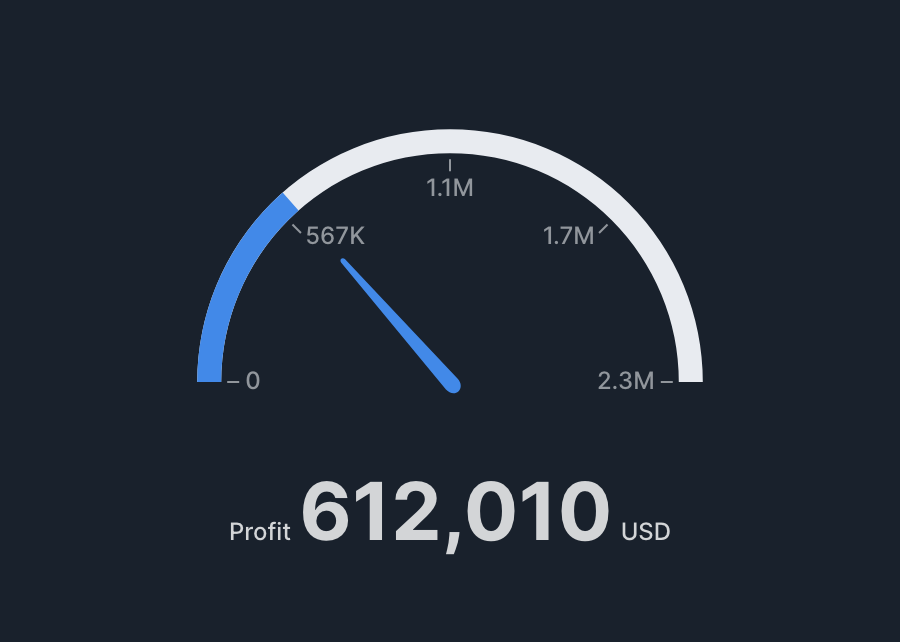
Big Number has two drawing types: Text and Gauge.
Specification
Aggregation
Big Number doesn't use a dimension; it aggregates the selected metric and displays it as a single value.
| Item | Role | Notes |
|---|---|---|
| Metric | Metric | Displays the aggregated result as a single value. |
| Secondary metric | Metric | In gauge mode, this becomes Secondary metric (gauge max) and is required. |
Examples
- Show "total sales" as text.
- Metric: sum of sales.
- Show "achievement rate" as a gauge.
- Metric: sum of actuals.
- Secondary metric (gauge max): sum of targets.
Gauge specification
- The gauge's achievement rate (%) is calculated as "metric ÷ secondary metric × 100".
- The secondary metric is required and must be a numeric column.
Tips
Conditional formatting
In advanced settings, conditional formatting lets you change the font color based on the metric's value. For example, if the metric is an achievement rate, you can change the color to a danger color when it's 80 or below, and a success color when it's 100 or above.