# Radial Chart

## Render Types

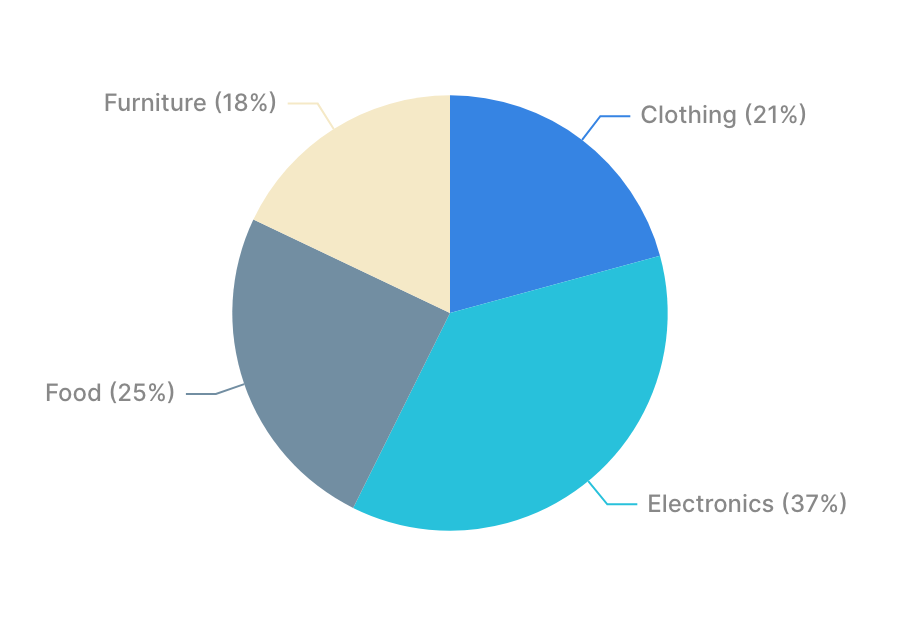
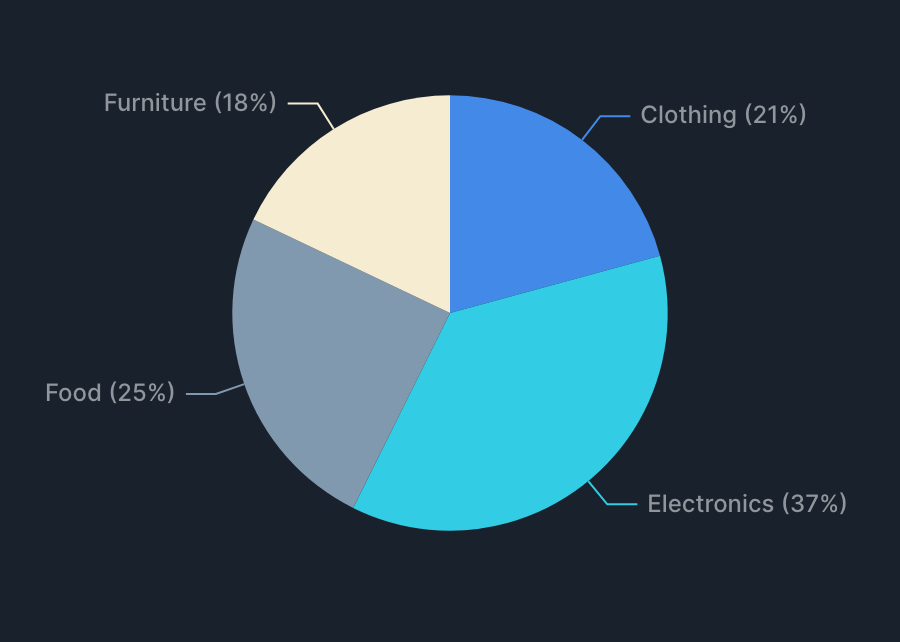
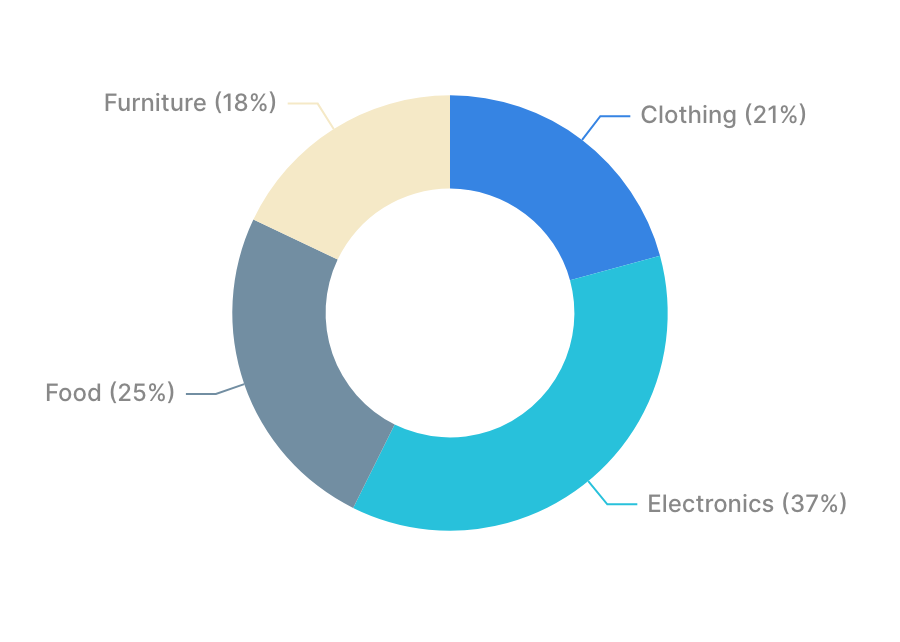
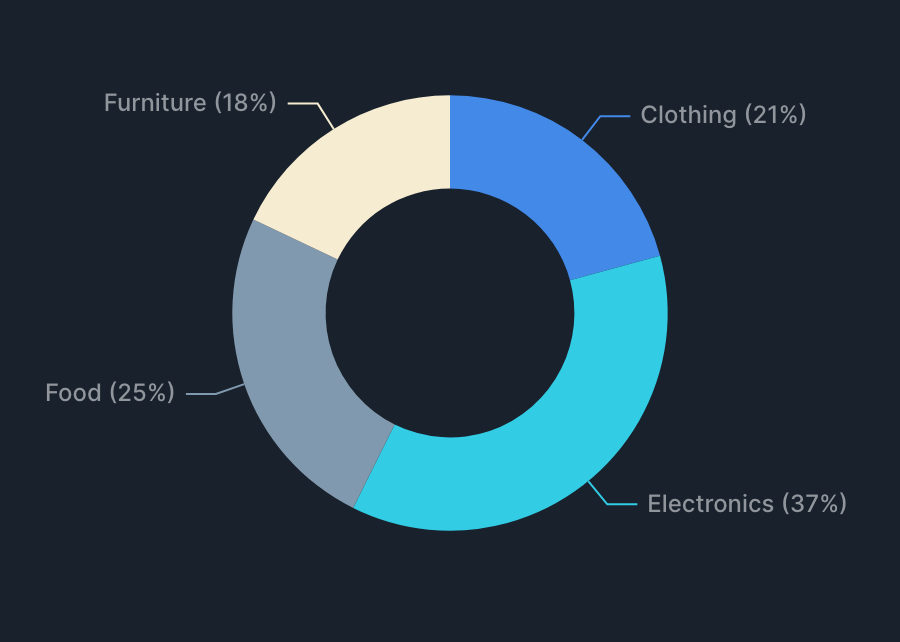
Radial charts support the following render types.

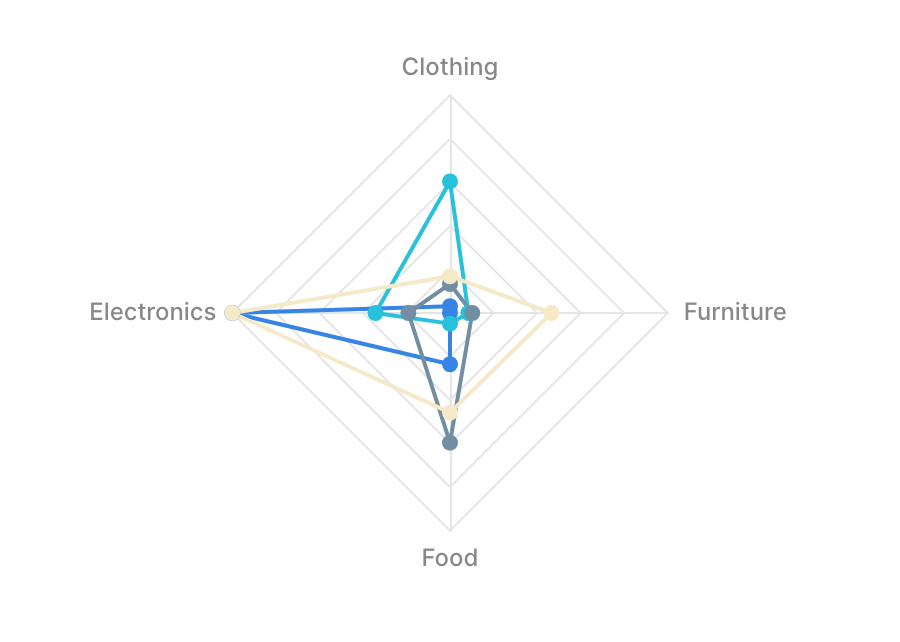
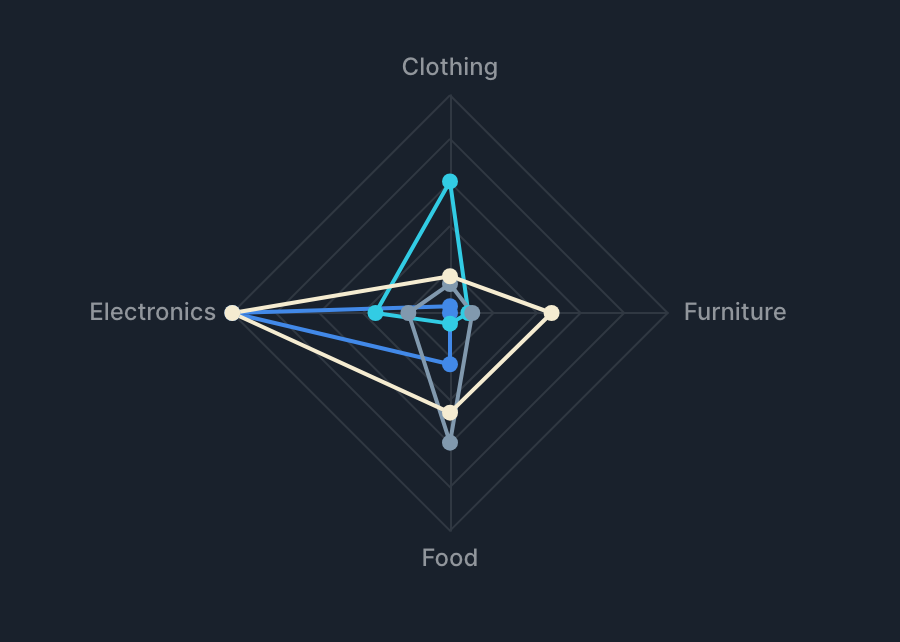
| Pie <picture><source srcset="/files/KyHwQHMmtEGvNqZiqqsq" media="(prefers-color-scheme: dark)"><img src="/files/RRAIdY5ZIjjqO86dFq8F" alt="Radial Pie"></picture> | Donut <picture><source srcset="/files/z7hIDJhBodPzGHorO8LE" media="(prefers-color-scheme: dark)"><img src="/files/Edj669X8Q5XMGiy1662L" alt="Radial Donut"></picture> | Radar <picture><source srcset="/files/vbdeE1uJRghT1l7srMnP" media="(prefers-color-scheme: dark)"><img src="/files/WT5brGBMFhEuxR7oaVFx" alt="Radial Radar"></picture> |
| ----------------------------------------------------------------------------------------------------------------------------------------------------------------- | --------------------------------------------------------------------------------------------------------------------------------------------------------------------- | --------------------------------------------------------------------------------------------------------------------------------------------------------------------- |

## Specifications

### Aggregation

Radial charts [aggregate values (metrics) for each label (dimension)](/data-exploration/chart/chart-common.md#dimension-metric).

| Item     | Role      | Notes                               |
| -------- | --------- | ----------------------------------- |
| Label    | Dimension | Segment label                       |
| Value    | Metric    | Aggregated per label                |
| Grouping | Dimension | Splits series by value (radar only) |

#### Example Configurations

* Show "Total sales by product category" as a pie chart
  * Label (Dimension): Product category
  * Value (Metric): Sum of sales
* Show "Customer satisfaction by evaluation item, compared by department" as a radar chart
  * Label (Dimension): Evaluation item
  * Value (Metric): Average satisfaction score
  * Grouping (Dimension): Department

### Render Type Specifications

* Pie and donut charts are rendered as a single series of "Label × Value"
* Radar charts use labels as axes and split series by grouping values

## Tips

### Frame Feature

Radial charts support the frame feature. See [Frame Feature](/data-exploration/chart/chart-common.md#frame-feature) for details.


---

# Agent Instructions: Querying This Documentation

If you need additional information that is not directly available in this page, you can query the documentation dynamically by asking a question.

Perform an HTTP GET request on the current page URL with the `ask` query parameter:

```
GET https://docs.codatum.com/data-exploration/chart/radial-chart.md?ask=<question>
```

The question should be specific, self-contained, and written in natural language.
The response will contain a direct answer to the question and relevant excerpts and sources from the documentation.

Use this mechanism when the answer is not explicitly present in the current page, you need clarification or additional context, or you want to retrieve related documentation sections.