# Hierarchy Chart

## Render Types

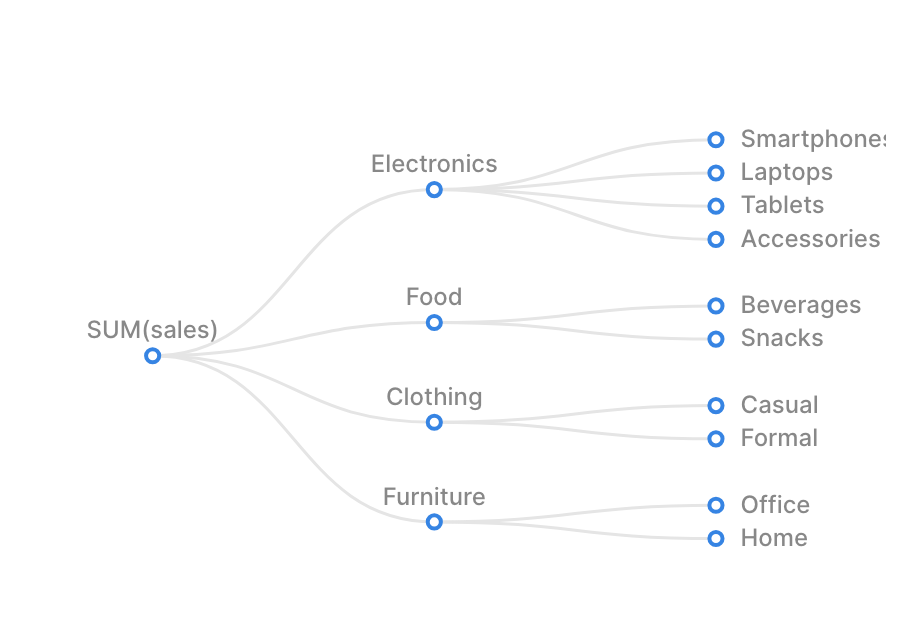
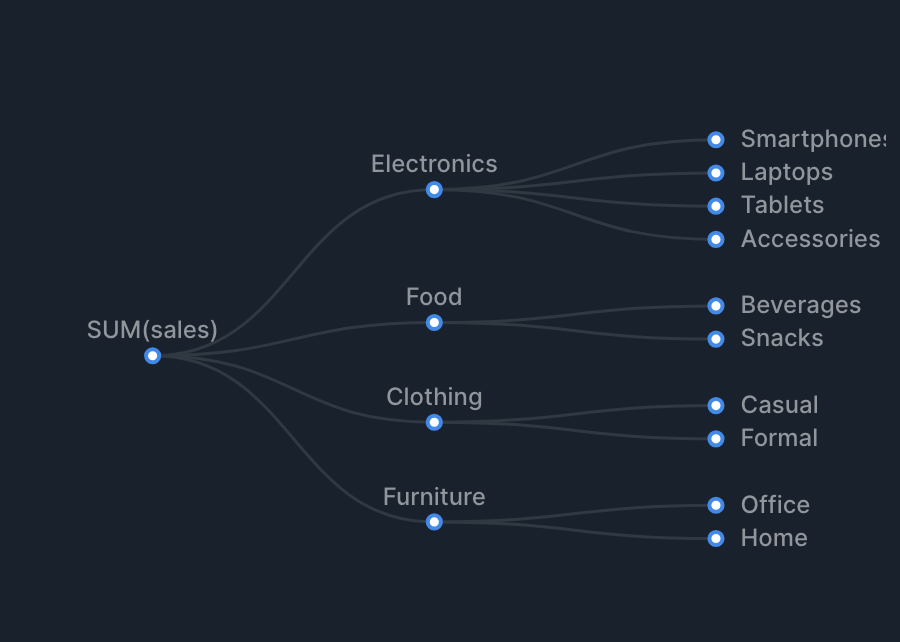
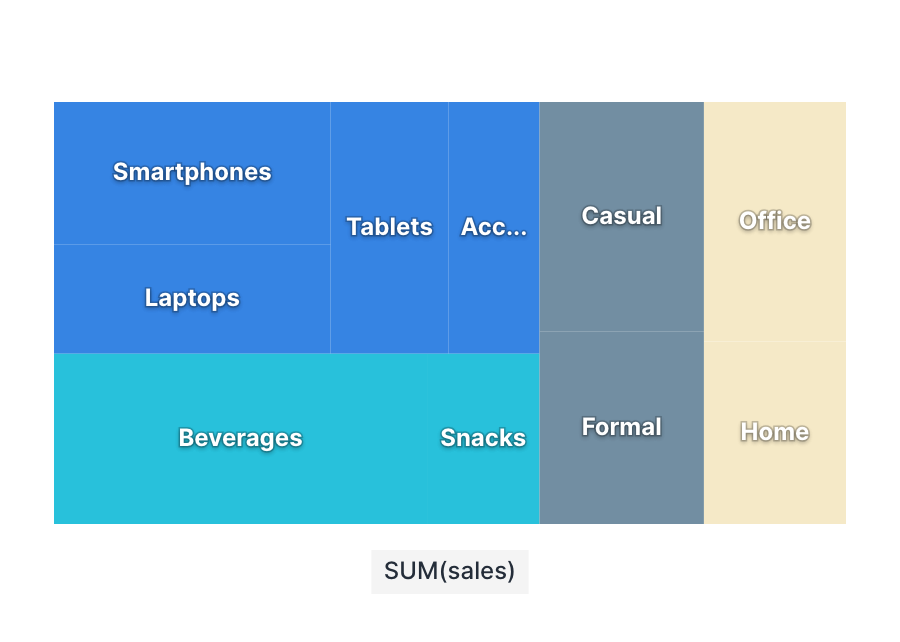
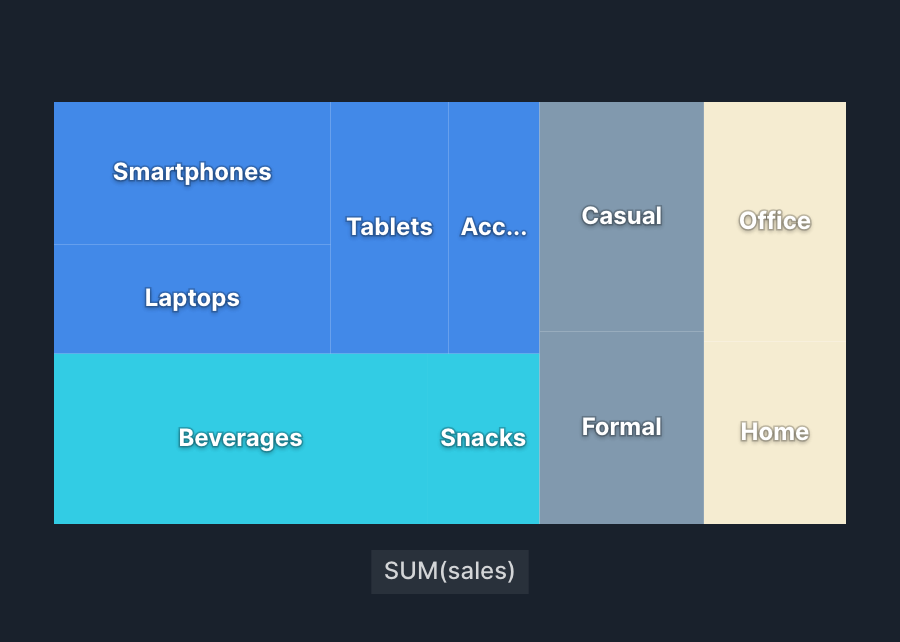
Hierarchy charts support the following render types.

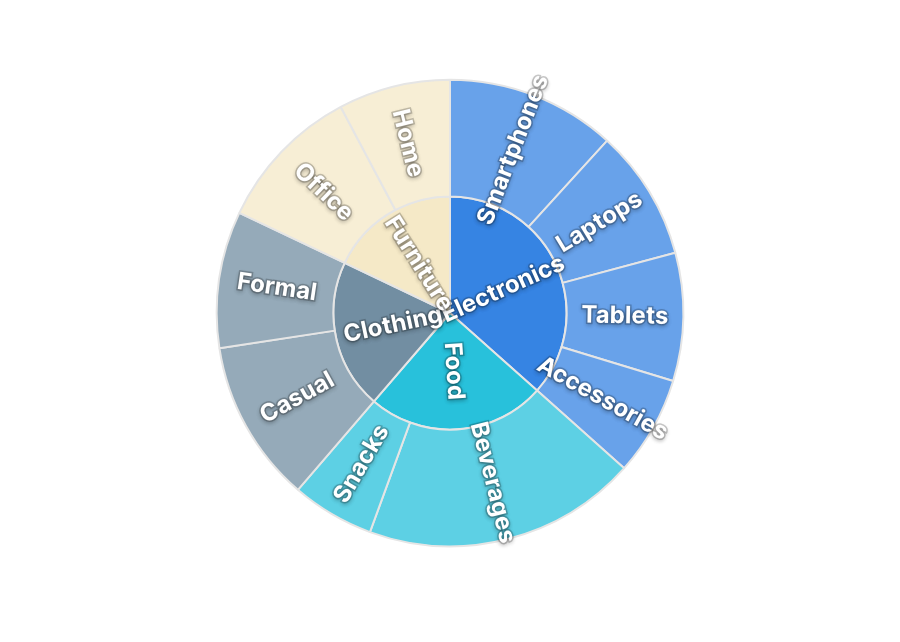
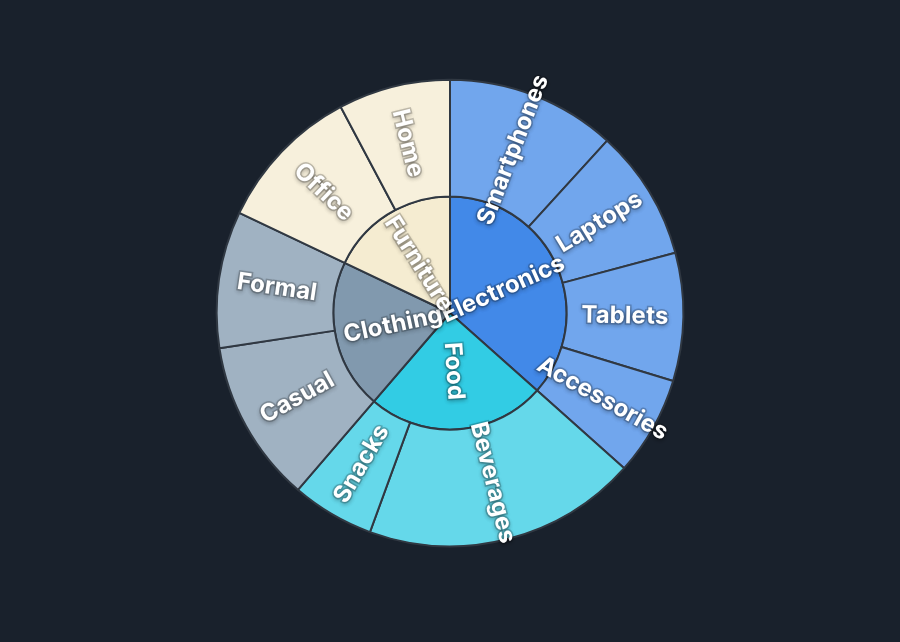
| Tree <picture><source srcset="/files/8vjI2qNKAM4J8hDcJs79" media="(prefers-color-scheme: dark)"><img src="/files/KuaKANGxTgJUxK9JlVTU" alt="Hierarchy Tree"></picture>            | Treemap <picture><source srcset="/files/rTKwW7rDwIkB4Zy3oL9M" media="(prefers-color-scheme: dark)"><img src="/files/08bKShWW1NXW2zFXyrPy" alt="Hierarchy Treemap"></picture> | Sunburst <picture><source srcset="/files/xJg7fAWGz1rFB8RIPxzW" media="(prefers-color-scheme: dark)"><img src="/files/ef2dwH7DVpHIXNw7UAhs" alt="Hierarchy Sunburst"></picture> |
| --------------------------------------------------------------------------------------------------------------------------------------------------------------------------------- | ---------------------------------------------------------------------------------------------------------------------------------------------------------------------------- | ------------------------------------------------------------------------------------------------------------------------------------------------------------------------------ |
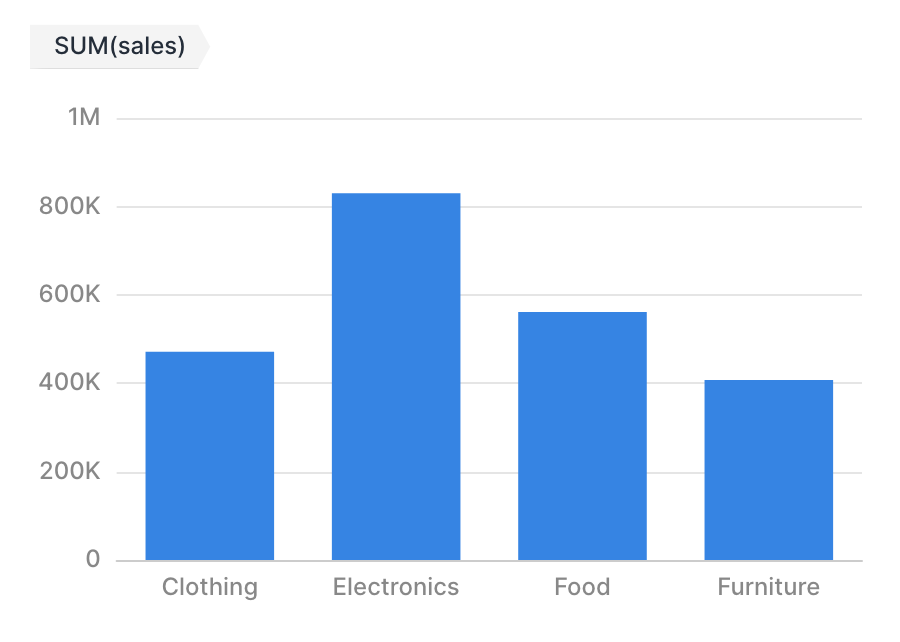
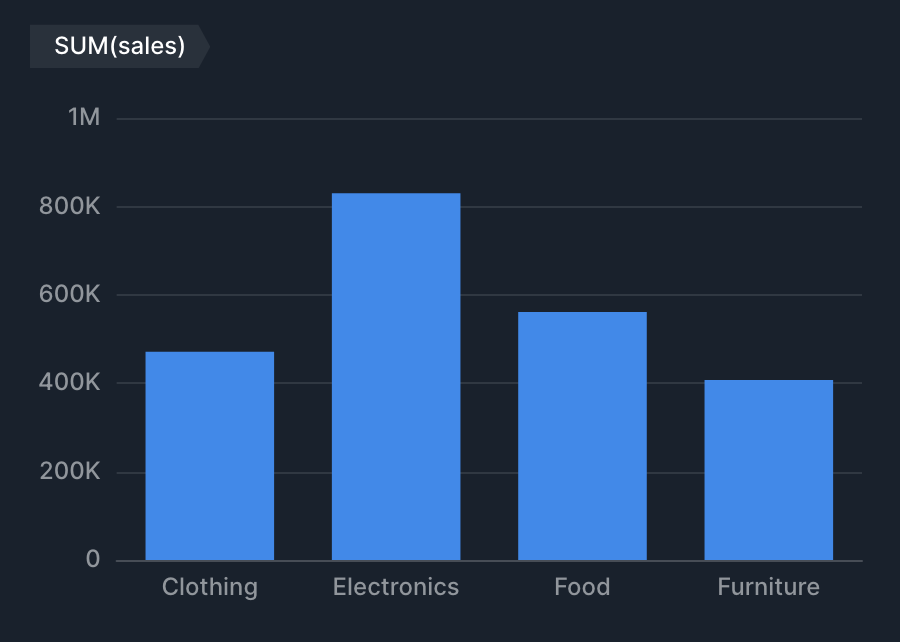
| Bar (Drill Down) <picture><source srcset="/files/VcaE3E8Q8MiH5oBYJTYP" media="(prefers-color-scheme: dark)"><img src="/files/lLo3FiJ2Y1sthxFDum1l" alt="Hierarchy Bar"></picture> |                                                                                                                                                                              |                                                                                                                                                                                |

## Specifications

### Aggregation

Hierarchy charts [aggregate values (metrics) for each hierarchy level (dimensions)](/data-exploration/chart/chart-common.md#dimension-metric) and render a hierarchy structure.

| Item      | Role      | Notes                                                                  |
| --------- | --------- | ---------------------------------------------------------------------- |
| Hierarchy | Dimension | Specify from higher to lower levels (e.g., Region → Prefecture → City) |
| Value     | Metric    | Used as weight if specified                                            |

#### Example Configurations

* Show "Sales composition by Region → Prefecture → City" as a sunburst
  * Hierarchy (Dimension): Region, Prefecture, City
  * Value (Metric): Sum of sales
* Show "Counts by organizational hierarchy" as a tree
  * Hierarchy (Dimension): Division, Section, Team
  * Value (Metric): None (aggregated by row count)

### Render Type Specifications

* Tree, Treemap, and Sunburst render the hierarchy as-is
* Bar (Drill Down) starts at the top level, and clicking a bar drills down to the next level
  * Specify two or more levels and set the render type to "Bar (Drill Down)"

## Tips

### Frame Feature

Hierarchy charts(Tree, Treemap, Sunburst) support the frame feature. See [Frame Feature](/data-exploration/chart/chart-common.md#frame-feature) for details.


---

# Agent Instructions: Querying This Documentation

If you need additional information that is not directly available in this page, you can query the documentation dynamically by asking a question.

Perform an HTTP GET request on the current page URL with the `ask` query parameter:

```
GET https://docs.codatum.com/data-exploration/chart/hierarchy-chart.md?ask=<question>
```

The question should be specific, self-contained, and written in natural language.
The response will contain a direct answer to the question and relevant excerpts and sources from the documentation.

Use this mechanism when the answer is not explicitly present in the current page, you need clarification or additional context, or you want to retrieve related documentation sections.